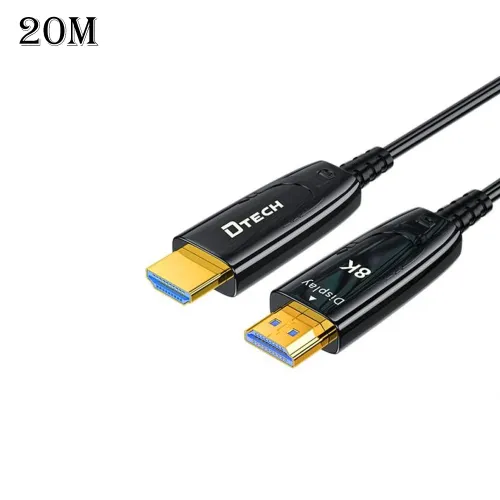
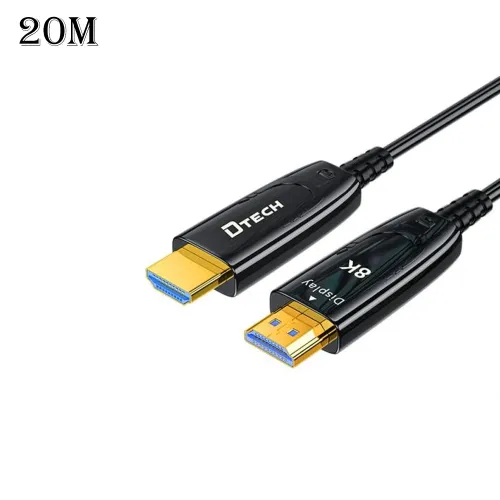
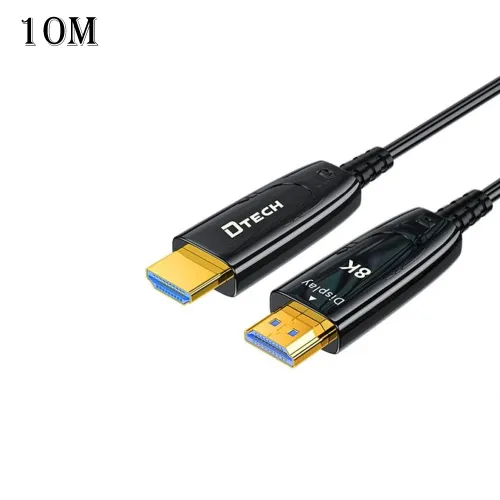
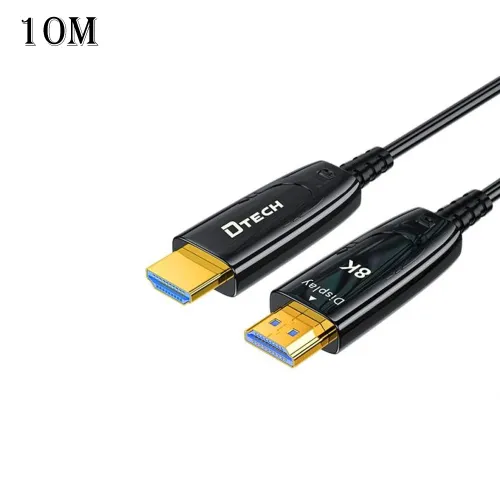
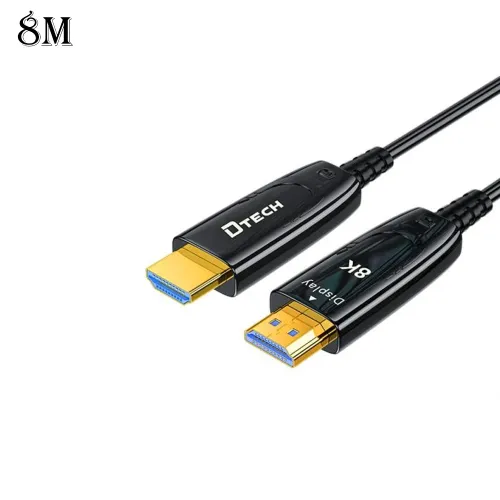
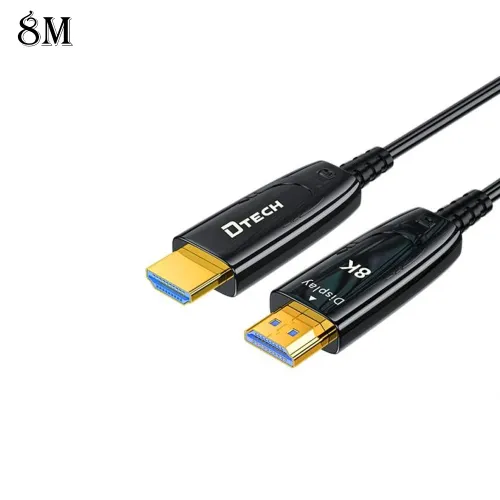
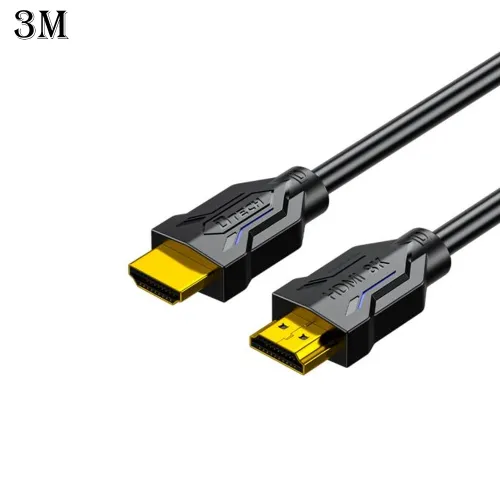
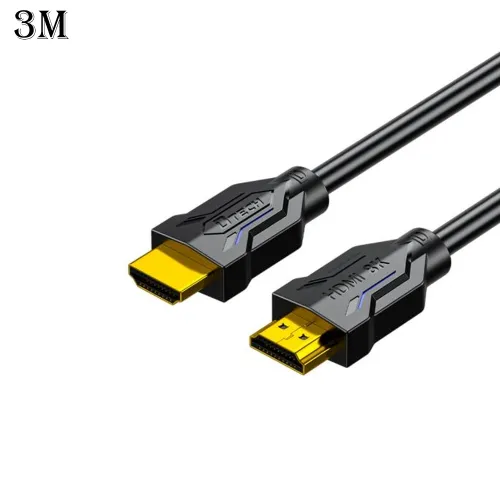
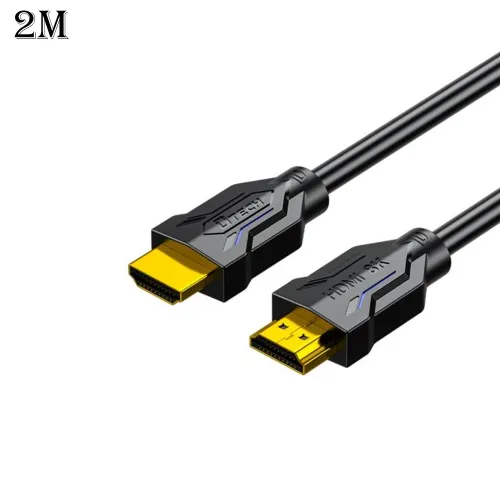
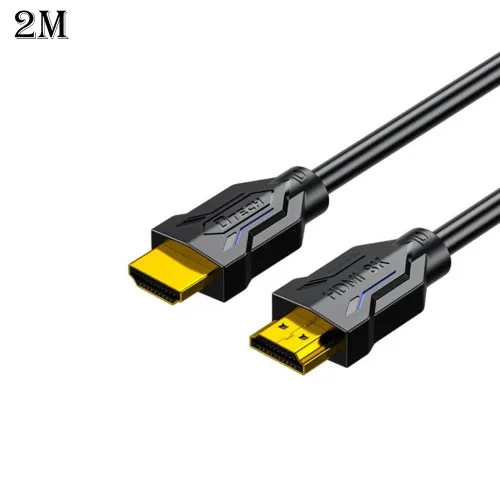
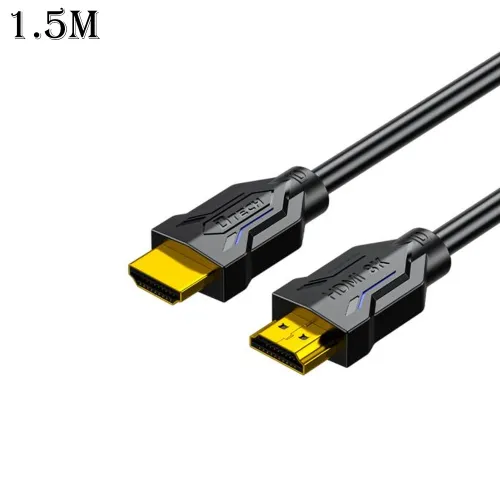
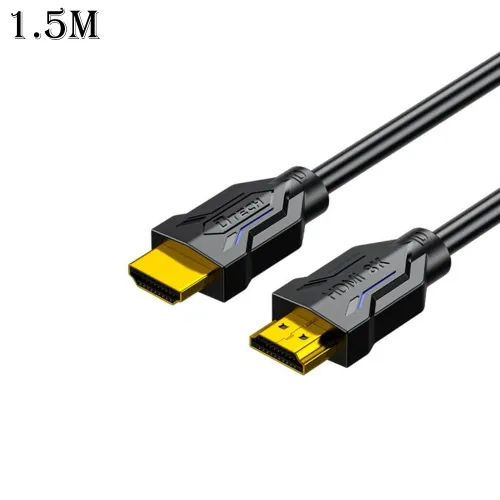
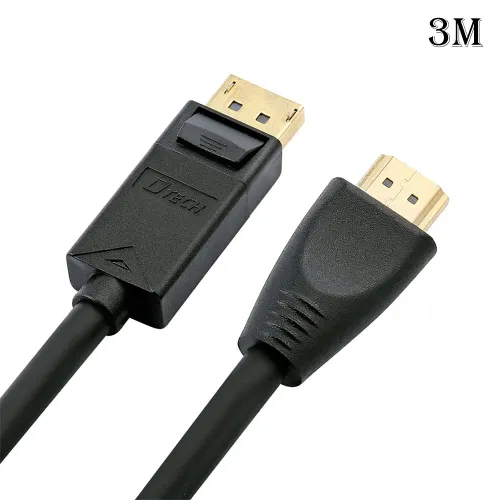
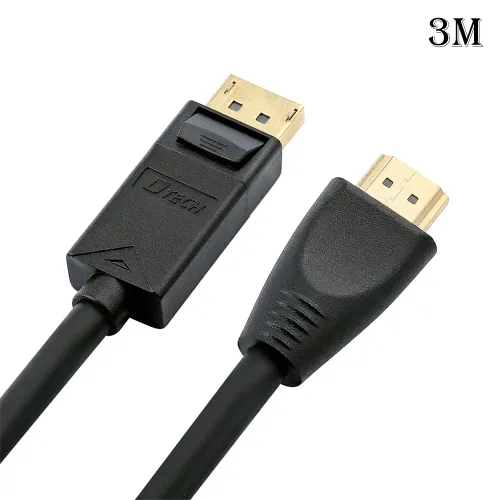
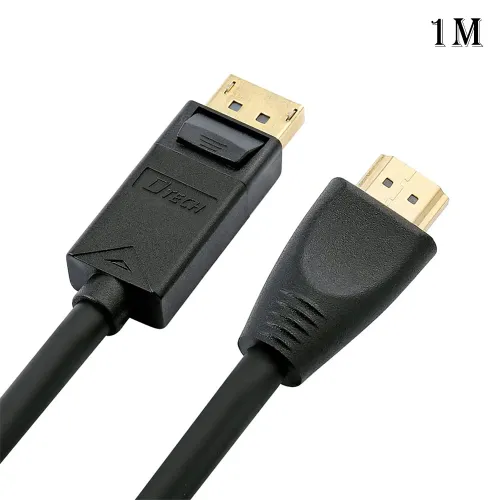
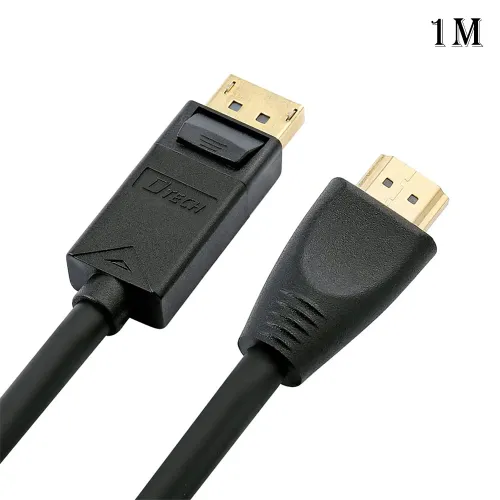
● Carefully open the contents of the shipping group, close the entire system before connecting
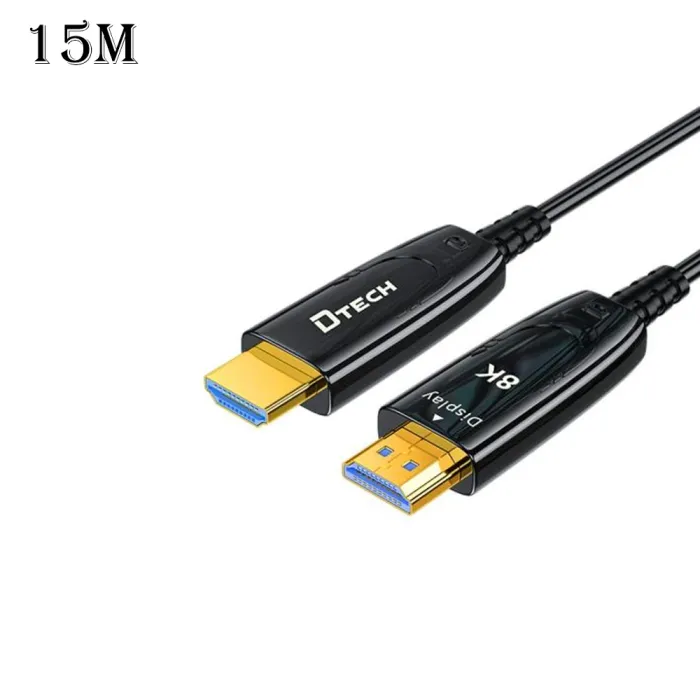
●Insert the "HDMI Source" silver shell connector of the cable directly into the HDMI output port of the video source (DVD, Blu-ray, game case, etc.). Make sure that the cable is fifirmly inserted.
●Insert the "HDMI Display" black shell interface of the cable into the HDMI input port of the monitor (HDTV, LCD screen, projector, etc.). Make sure that the cable is fifirmly inserted.
●Turn on the power of the signal source and display
Note: Do not connect any intermediate cables or adapters between them, as this may cause the signal transmission performance to decrease.
●Screen distortion or display noise.Check if the picture resolution is set correctly for the source. For computer Windows display.Show it belongs and click Settings. For other AV video sources, please refer to the manual to adjust the video Resolution. Restart the system. If it is necessary to disconnect the HDMI optical cable.
Safety Precautions
●Before cleaning, please unplug this unit from the AV equipment. Do not use liquid or spray cleaners. Use only damp cloth.
●Keep away from wet, magnetic and flflammable surfaces or substances.
●Do not place any heavy objects or equipment on top of the equipment.
●When you encounter product quality problems, please consult our after-sales department. Non-professionals should not disassemble the shell privately to avoid damage to the product.


 Bahrain
 International
 Oman
Oman QATAR Store
 Saudi Store
 UAE
UAE